Application Notes
Important notes for your Swissbit products

This application note shows how combining TLC and pSLC modes within a single eMMC delivers both high storage density and superior write endurance, without resorting to higher-capacity, higher-cost components. It also explains how to configure an Enhanced Area to align memory behavior with the different needs of operating system, application, and log data.

Ensuring data integrity, system reliability, and fast recovery is essential in today’s accelerated digital landscape. This application note outlines how disk imaging streamlines SSD migrations, disaster-recovery workflows, and the rollout of standardized system environments. Learn how to create and restore disk images with minimal downtime and maximum efficiency.
Host Controlled Thermal Management (HCTM) enables hosts to align the thermal behavior of NVMe SSDs with their platform’s cooling capabilities. This app note introduces the fundamentals of HCTM, describes the implementation with standard tools, and shows relevant use cases.
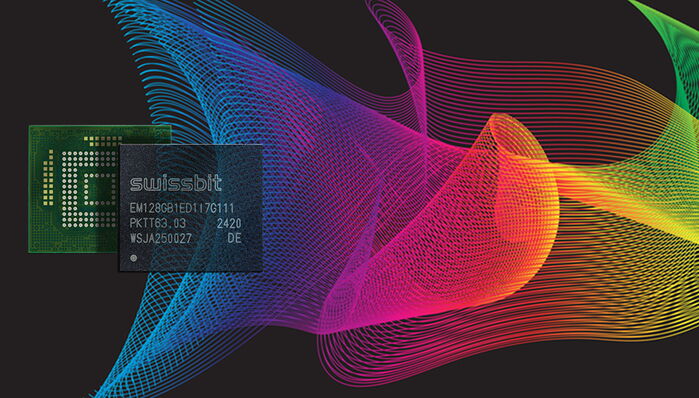
This application note explores how Swissbit’s Field Firmware Update (FFU) process through mmc-utils empowers system integrators and OEMs to implement targeted adjustments post-deployment—securely, efficiently, and with minimal disruption. It outlines the technical framework, security safeguards, and practical use cases that make FFU a vital tool for long-term system optimization and lifecycle management.
This document describes setting up a Swissbit TCG Opal drives with a tool called SEDutil. It covers the basics of the TCG Opal specification, the “sedutil” tool and introduces the specific use of SEDutil to identify Opal drives, set passwords, set ranges, and lock and unlock drives.
This application note explores how Swissbit’s Field Firmware Update (FFU) process process through nvme-cli tool empowers system integrators and OEMs to implement targeted adjustments post-deployment—securely, efficiently, and with minimal disruption. It outlines the technical framework, security safeguards, and practical use cases that make FFU a vital tool for long-term system optimization and lifecycle management.

Mastering (duplicating the contents of a Master Drive) of an SSD is not as straightforward as it is when mastering a rotating hard disk drive. This document presents some technical background to understand the problems that might arise out of this process as well as a possible recommended process for mastering drives